
Redeem a promo code
Activate a promo code from the Haruno team and link it to your account.
Redeem your code
Promo codes are redeemed on the Haruno dashboard, in your browser.
Open the Haruno dashboard and sign in if you are asked to.
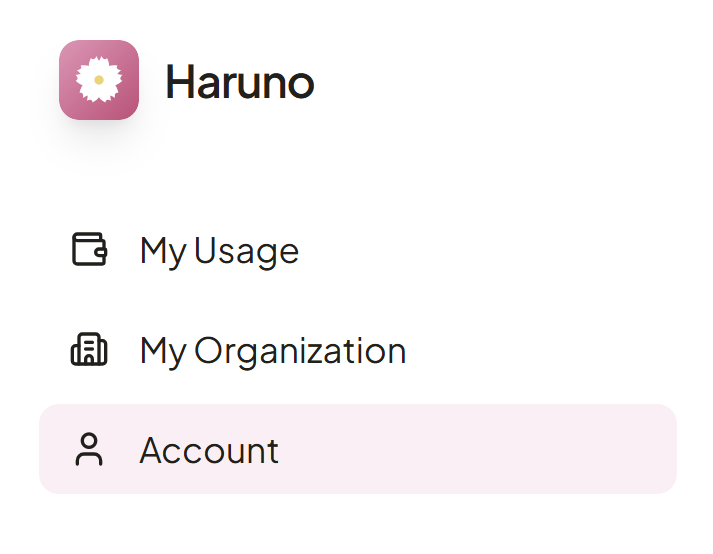
- Open Account from the menu in the top left.
- Scroll down to the Redeem a code card.
- Paste your code into the text field and press Redeem.
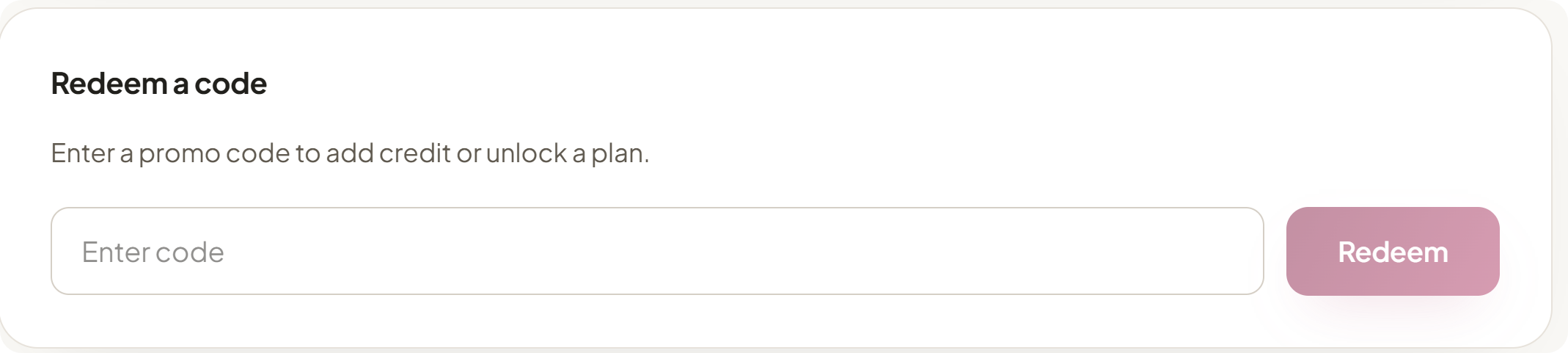
You will see a confirmation when the code is applied to your account.
Note
Codes are single use. If a code has already been redeemed or is not recognized, check with the team member who gave it to you.
Note
Credit from a code is a balance, not a bigger allowance: it's used after your subscription's allowance for the current window, and isn't paced by the session or weekly windows.
Sign in to the app
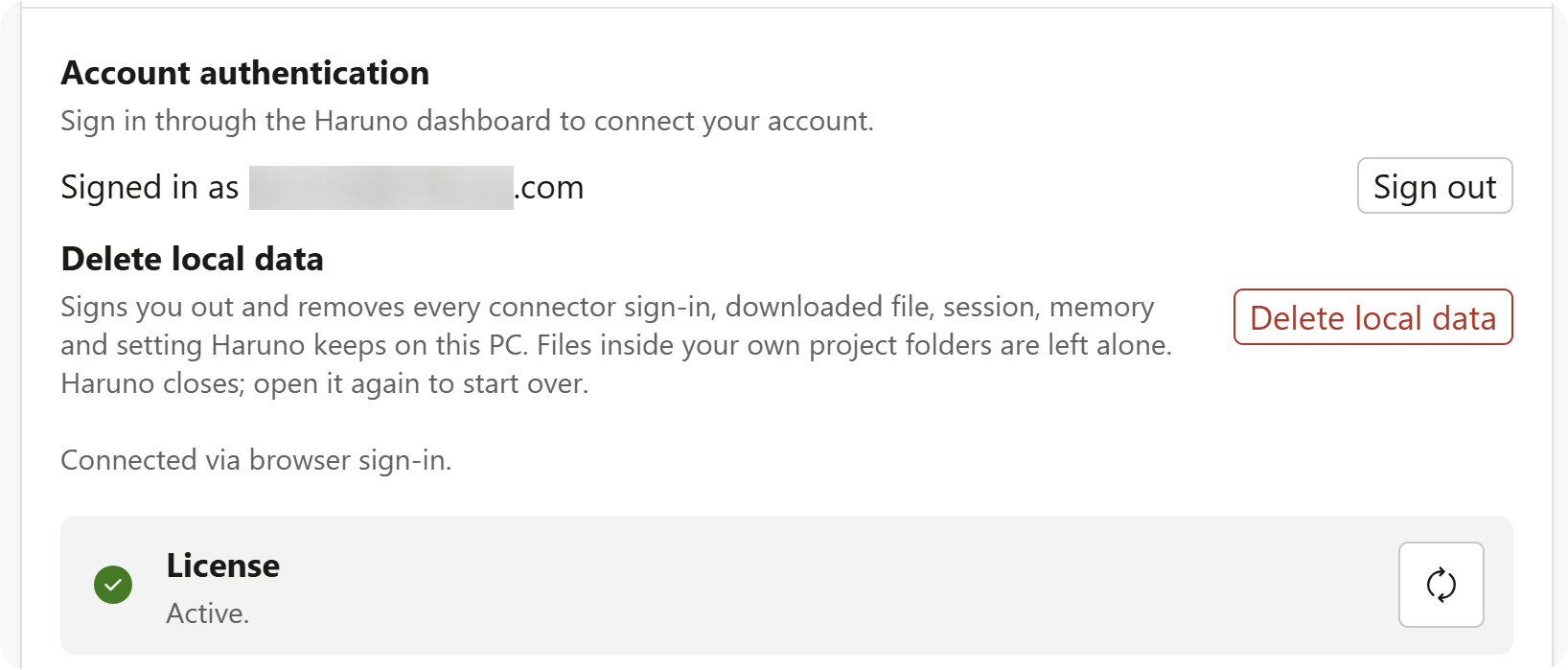
Once the code is applied, open the Haruno desktop app and sign in with the same Google account.
Tip
If the app shows Budget exhausted after you redeemed a code, sign out and sign back in so it picks up your updated balance.